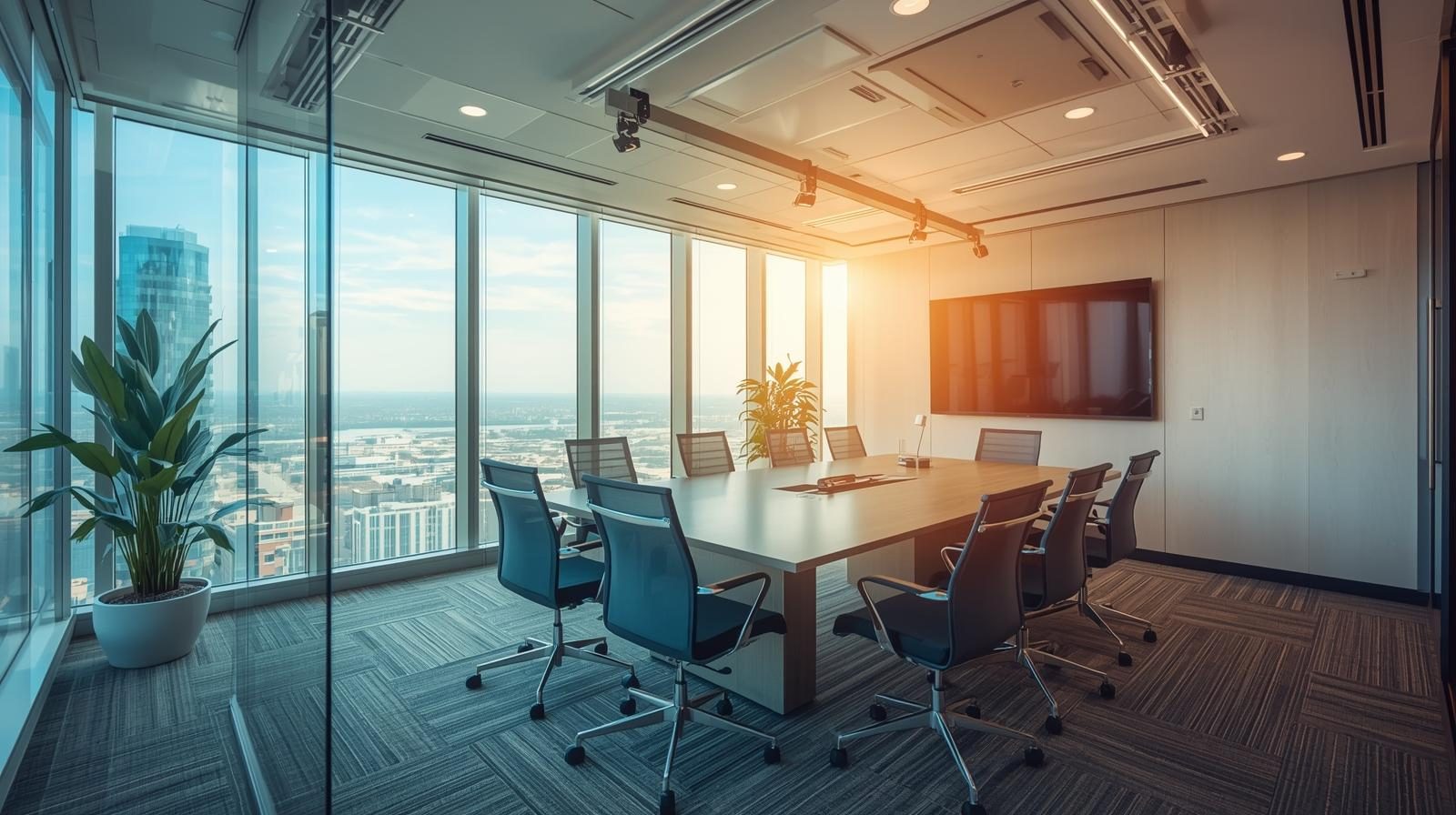
Microsoft Teams & Zoom Rooms with Yealink — What Works Best in Dubai Offices
Design reliable Microsoft Teams & Zoom Rooms for UAE workplaces using Yealink: choose the right kit by room size, treat acoustics first, match cameras and microphones to seating, size displays by viewing distance, and standardise cabling and device management.
We help with room surveys, acoustics, kit selection, installation and remote monitoring.
Start with Room Profiles
- Huddle (≤4 seats): all-in-one video bar, single display, wireless presentation.
- Medium (6–10 seats): PTZ camera (auto-framing), beamforming mics, dual displays.
- Boardroom / Training: multi-mic arrays, ceiling speakers, DSP, control tablet/touch console.
Acoustics First
Glass and hard finishes are common in Dubai offices. Treat key reflection points, add wall/ceiling panels, and aim for RT60 ≤ 0.6s. Ceiling mics plus DSP echo cancellation significantly improve clarity in medium/large rooms.
Display & Camera Choices
- Displays: 4K panels sized by viewing distance (typ. 55–65″ huddle/medium, 75–98″ boardroom); dual displays for content + gallery.
- Cameras: all-in-one bars for huddles; auto-framing PTZ for medium/large; consider speaker tracking for training rooms.
Audio & Microphones
Use beamforming table mics for flexibility or ceiling arrays for clean tables. Choose cardioid patterns to reduce room noise; distribute speakers evenly to avoid hotspots.
Wiring & Management
Standardise on USB-C/HDMI ingest for BYOD, category cabling (Cat6/6A) for long runs, and secure equipment in credenzas/racks. Enable remote monitoring, alerts and firmware lifecycle management for consistent uptime.
Budget Ranges (Indicative)
- Huddle: AED 8k – 15k
- Medium: AED 25k – 45k
- Boardroom: AED 60k – 150k
Recommended Yealink Bundles (Teams & Zoom)
| Room Size | Core Kit | Add-ons | Notes |
|---|---|---|---|
| Huddle | All-in-one video bar + touch console | Wireless content dongle | Single 55–65″ display; wall mount |
| Medium | Mini PC/codec + PTZ camera + table mics | Dual 65–75″ displays, cable cubby | Auto-framing camera; HDMI & USB-C ingest |
| Boardroom | Codec + pro PTZ + DSP + ceiling mics | Ceiling speakers, control tablet | 98″ or dual 75/86″; custom presets & scenes |
We tailor kits for Microsoft Teams Rooms or Zoom Rooms certification and integrate with room booking, signage and wayfinding where needed.
Our AV team delivers design, installation, commissioning and training across the UAE.